The drywall crew is booked for Monday. On Friday afternoon you walk through the framed house with your builder, and it is the last moment when every wall is open, every ceiling is reachable, and a cable from the attic to the living room takes ten minutes instead of half a day. What you add on that walk-through is cheap. What you forget will cost you later, either in patched drywall or in a house that runs entirely on Wi-Fi.
This guide puts the two paths side by side: pre-wiring during construction versus retrofitting or going wireless after move-in. It covers the main low-voltage systems one at a time and ends with a checklist you can bring to your builder or electrician.
Pre-wire vs. retrofit at a glance
| Criterion | Pre-wire during construction | Retrofit or wireless later |
|---|---|---|
| Cost per Cat6 drop (2025–2026 ranges) | Roughly $100–$250 | Roughly $200–$500+, more with finished ceilings or two stories |
| Wi-Fi coverage | Ceiling access points wired back to one switch | Mesh nodes on shelves, extra wireless hops |
| Offices and TVs | Wired speed and low latency where it matters | Wi-Fi or visible cable runs along baseboards |
| Cameras and doorbell | PoE cable to each spot, no batteries | Battery or Wi-Fi cameras, recharging |
| Speakers | In-ceiling or in-wall, hidden wire | Wireless speakers or surface wiring |
| Future upgrades | Conduit to attic and closet makes new runs easy | Each new cable is a small project |
| Disruption | None after move-in | Holes, patching, paint touch-ups, dust |
| Resale | Rarely changes the appraisal, but buyers notice | Neutral |
Cost: what pre-wiring adds to the budget
In new construction, a low-voltage contractor or the electrician pulls cable through open studs and joists, so most of the price is material and a short visit. In 2025 and 2026, a single Cat6 drop typically runs about $100 to $250 depending on the region and the length of the run. A reasonable package for a 2,000 to 3,000 sq ft home, with 10 to 15 data drops, two or three access points, four to six camera locations and a doorbell, often lands somewhere between $2,000 and $5,000. Whole-house audio and a structured media panel push it higher.
Retrofitting the same drop in a finished house usually costs at least twice as much. The installer has to fish cable through insulated exterior walls, work around fire blocking, and cut and patch the drywall. Closed-cell spray foam in the walls can make some runs nearly impossible. Get quotes from local contractors, because prices vary a lot between metro areas and rural counties.
Verdict: pre-wiring wins clearly. On a typical home, it costs less than many single finish upgrades.
Wi-Fi: ceiling drops for access points
Mesh systems work, but each wireless hop between nodes cuts speed. A wired access point in the ceiling sends a strong signal down into the room and connects back to your switch at full speed. The rule of thumb is one access point for every 1,000 to 1,500 sq ft per floor, placed centrally and away from the kitchen appliances and large mirrors.
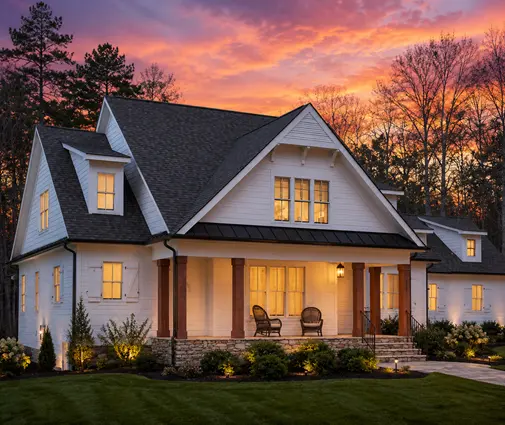
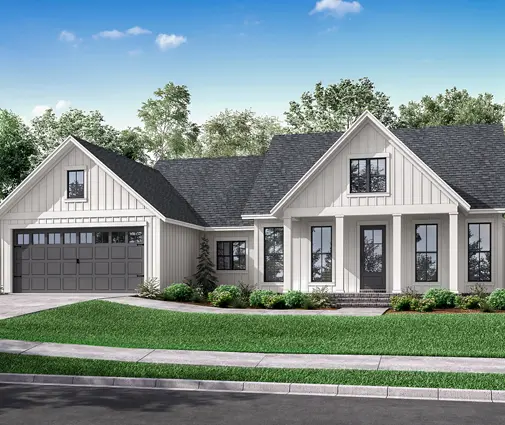
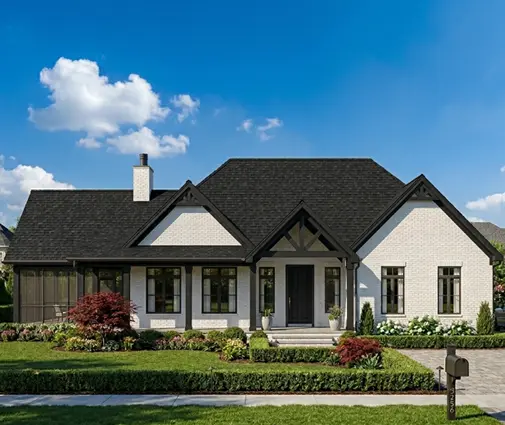
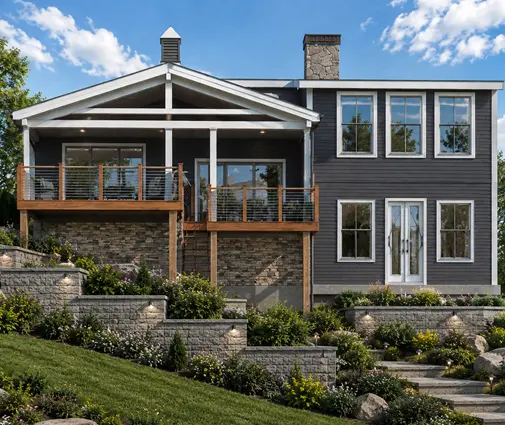
On a single-level home like this 3-bedroom modern farmhouse ranch of 2,168 sq ft, two ceiling drops (one in the hallway near the bedrooms and one over the great room) usually cover the whole house. A two-story plan such as this 4-bedroom farmhouse with 3,198 sq ft and a 3-car garage needs at least one per floor, plus one more if you want a good signal on the back porch or in the garage.
Verdict: pre-wire. Ceiling access points are the single most useful drop in the house.
Ethernet to offices, TVs and gaming
Video calls, large file uploads and game consoles all benefit from a wired connection. Plan at least two Cat6 jacks in each home office, one or two behind every wall-mounted TV, and one near any desk in the kids' rooms. Cat6 is the sensible default. Cat6A costs more and is stiffer to pull, so it only makes sense if you expect multi-gig connections in specific rooms.
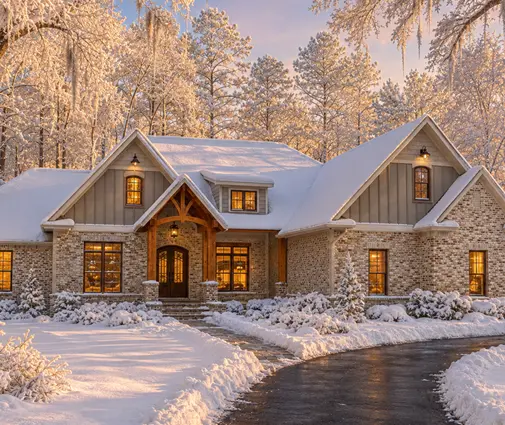
Plans with a flexible room, such as this two-story Craftsman farmhouse with 4 bedrooms and 2,589 sq ft, deserve extra drops in the room that might become an office later. The same goes for any plan with a bonus room over the garage, which often becomes a media room or workspace.
Verdict: pre-wire every office and every TV location, even ones you are not sure about yet.
Security cameras and video doorbell
Power-over-Ethernet (PoE) cameras receive power and data through one cable, so you never recharge batteries and the feed does not drop when the Wi-Fi is busy. Typical locations are under the eaves at each corner of the house, above the garage door, at the back door, and covering the driveway. Leave the cable coiled in the soffit or at an exterior box, and label it.
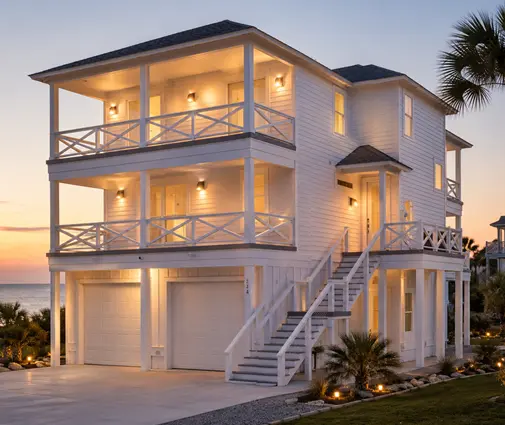
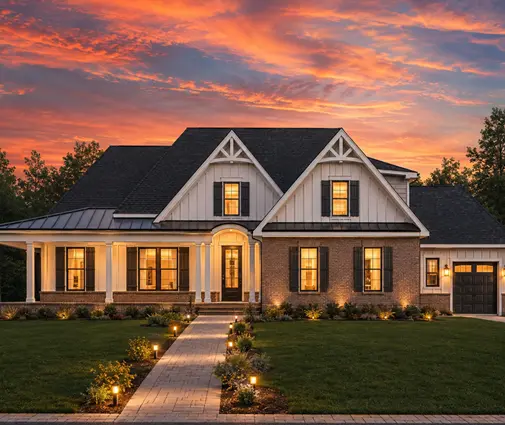
For the doorbell, run Cat6 and the standard low-voltage doorbell wire to the front door, and specify a transformer the doorbell maker recommends. A long Southern or Colonial facade, like this 4-bedroom Low Country home of 3,215 sq ft, often needs an extra camera along the porch.
Verdict: pre-wire. Cameras are the area where retrofitting is most awkward, because of eaves, soffits and exterior walls.
Speakers and whole-house audio
Good wireless speakers have made in-ceiling audio optional, but speaker wire costs little while the ceiling is open. Common choices are 14- or 16-gauge speaker wire to the great room ceiling, the covered patio and the primary suite, with every run going back to one location for an amplifier or streaming unit. For a home theater, run wire for surround positions even if you buy the speakers years later.
Verdict: it's close. Pre-wire the rooms where you would never want a visible speaker, and leave the rest to wireless speakers.
Conduit: the future-proofing line
Nobody knows what cable will be standard in 15 years. A 1- to 1.5-inch flexible conduit from the network closet to the attic (or to the basement in northern homes) gives you a path you can use later. Add one behind the main TV, running down to the media cabinet, so you can swap cables without opening the wall. Conduit costs a few dollars per foot and takes very little labor.
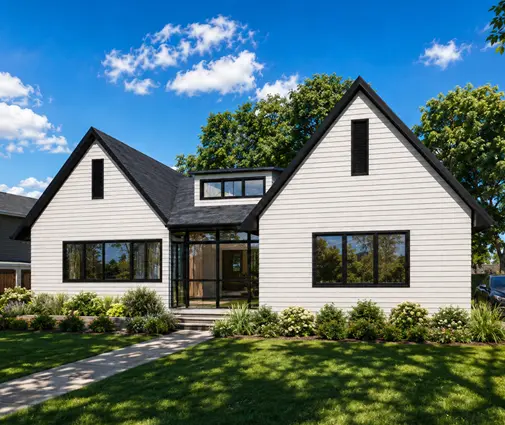
On a ranch such as this Craftsman ranch of 2,250 sq ft with 3 bedrooms, an accessible attic already makes future runs easier, but a conduit drop through the top plate of an interior wall still saves fishing through fire blocking.
Verdict: pre-wire. A conduit is cheap insurance and the easiest item on this list to forget.
The network closet
Every cable should end in one place. A good location is central, inside the conditioned space, with a dedicated 20-amp circuit, a little ventilation, and room for the modem, router, PoE switch, a patch panel and a small battery backup. Many builders use a structured media enclosure recessed in a closet wall. Avoid the garage in hot climates and the attic anywhere.
Homes with a basement have an easy answer: a corner of the mechanical room, as in this 3-bedroom contemporary home of 1,906 sq ft with a basement. Browse more house plans with a basement if that layout suits your region. In large homes, like this 5-bedroom transitional of 6,800 sq ft on three levels, plan a main closet and a smaller secondary switch location on another floor so that no run exceeds the 328-foot Ethernet limit.
Verdict: pre-wire, and decide the location before framing, not during the walk-through.
Planning: how to mark the house plan
Most stock plans show the electrical layout but not low-voltage. Before the electrician arrives for rough-in, give them a separate low-voltage layout on a copy of the floor plan:
- Use different symbols for data, access point, camera, speaker, TV and conduit, and add a legend.
- Write mounting heights next to each symbol: standard outlet height, TV height, desk height.
- Number every drop, and use the same numbers on the cable labels and the patch panel.
- Mark the network closet and the conduit routes.
- During the framing walk-through, spray paint or tape each location on the studs.
- Before insulation, take photos or a video of every wall. It becomes your map for decades.
Some cities and counties require a separate low-voltage permit or a licensed contractor for this work. Check with your local building department, and keep low-voltage cable away from line-voltage wiring, as your installer will advise.
Verdict: pre-wiring wins only if it is planned. A drawing and a walk-through matter more than the cable grade.
Who should choose what
- Anyone building a new house: pre-wire at least ceiling access points, office and TV drops, camera locations, the doorbell, and one conduit to the attic or basement. That is the minimum for the price.
- People who work from home: two Cat6 jacks per office, plus a drop in any bonus room or flex room that might become an office.
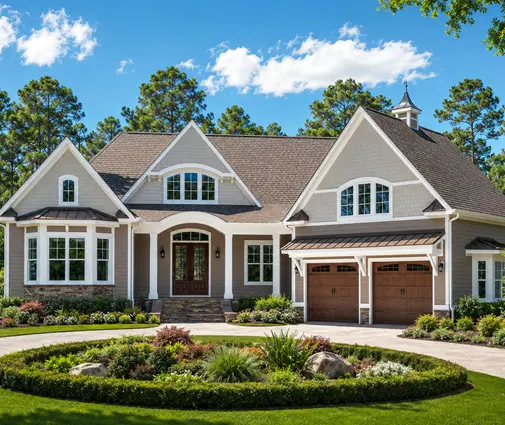
- Owners of large or two-story homes, like this 4-bedroom Shingle-style Craftsman of 3,605 sq ft: one access point per floor at minimum, and possibly a secondary switch location.
- Single-level homes with an open attic: you can skip speakers and some extra drops and add them later more easily. One-story plans are the most forgiving for retrofits.
- Tight budgets: skip speaker wire and extra bedroom drops, but never skip the conduit or the access point drops.
- Retrofit or wireless only: it makes sense only for an existing home you are buying, or for a rental where you do not control construction.
The decision is lopsided. A few thousand dollars and one careful walk-through before insulation give you a house that works now and adapts later. Mark your plan, label every cable, and photograph the walls before they close.